About the Simployer One app
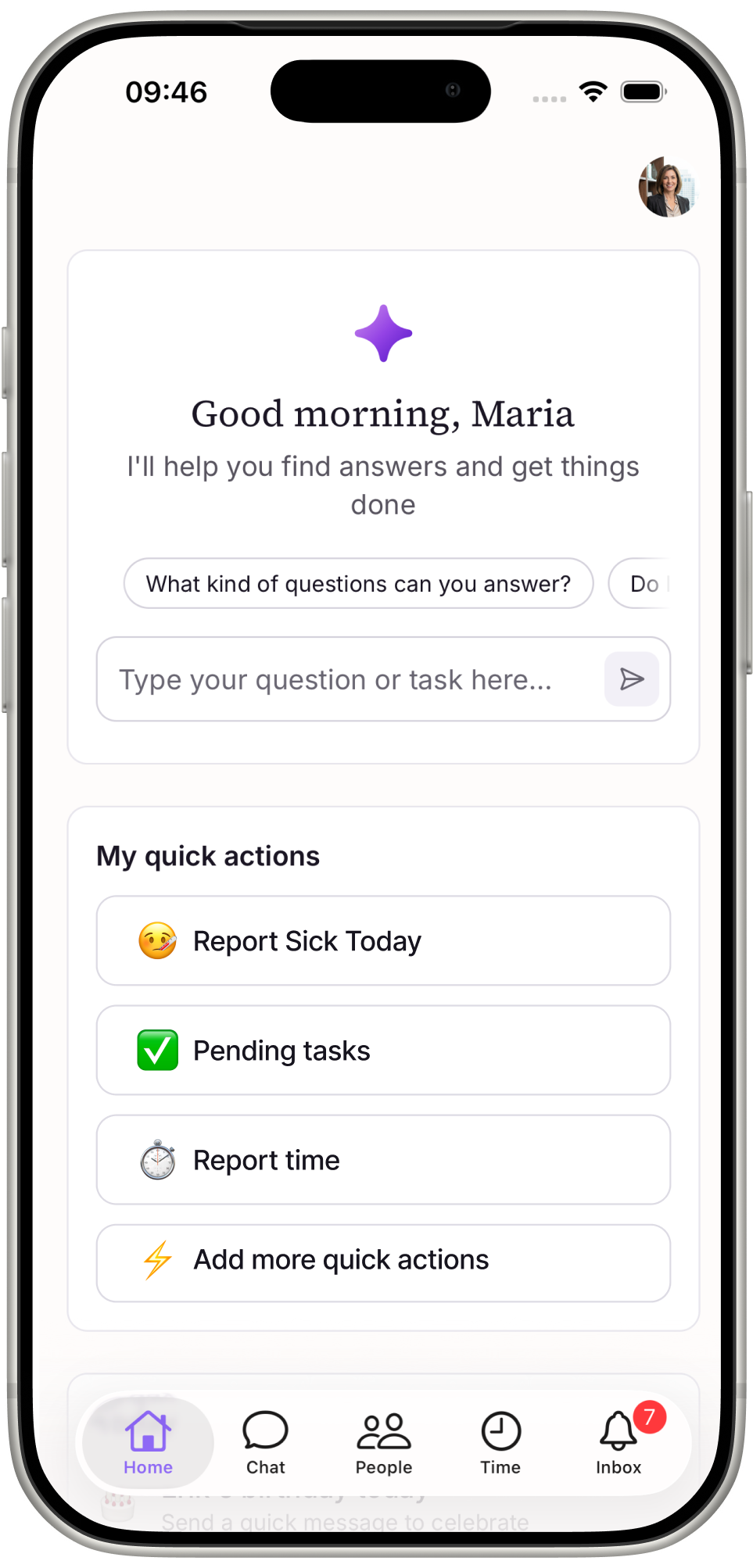
The Simployer One app gives employees and managers an easier way to get answers and handle common requests and actions from their phone. The app is designed for quick, frequent actions during the workday rather than complex administration.
The app connects to each user's existing Simployer One account.
What can employees and managers do in the app?
The Simployer One app complements the desktop experience. It focuses on quick decisions, common tasks, and actions that are useful to handle during the workday, while the desktop continues to offer the full Simployer One functionality.
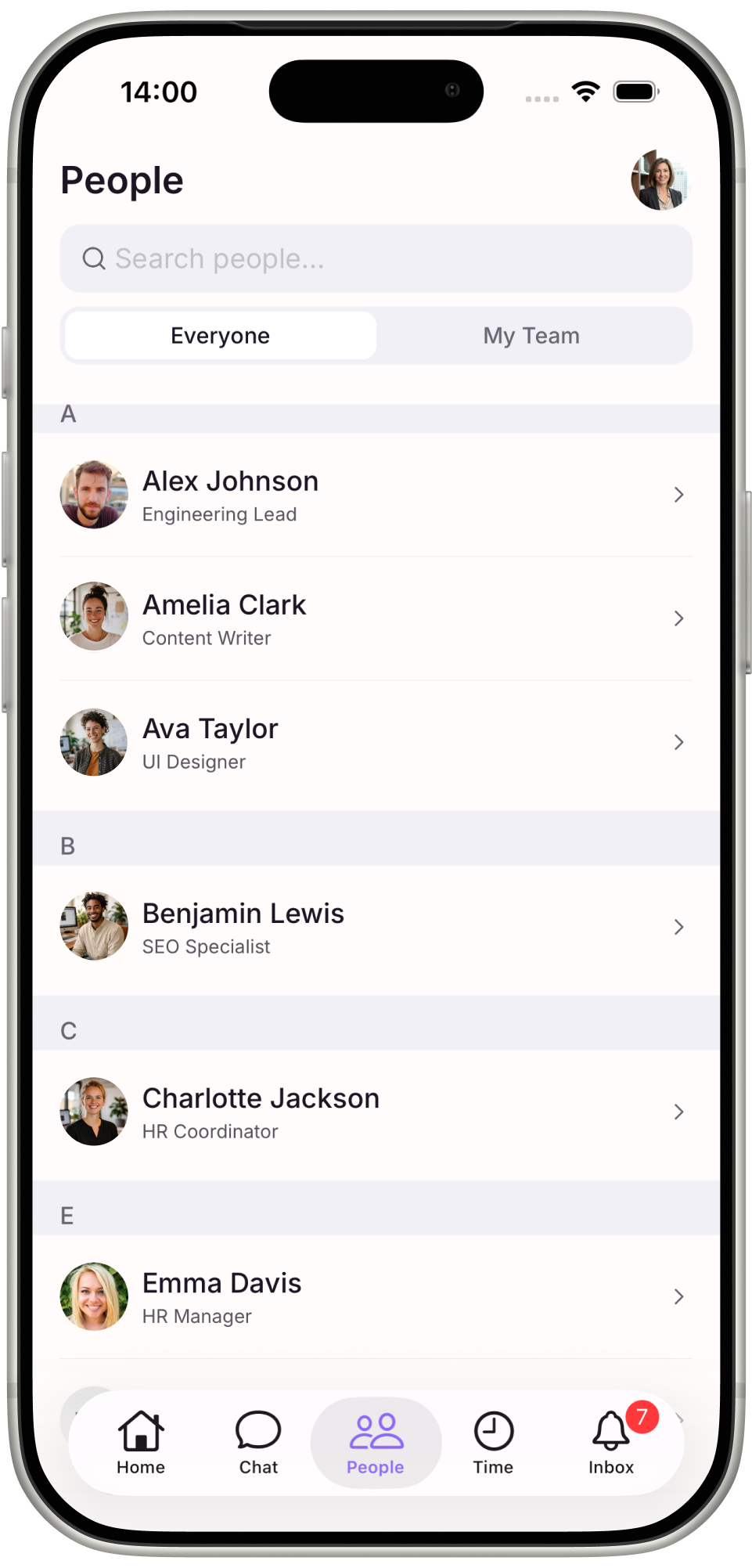
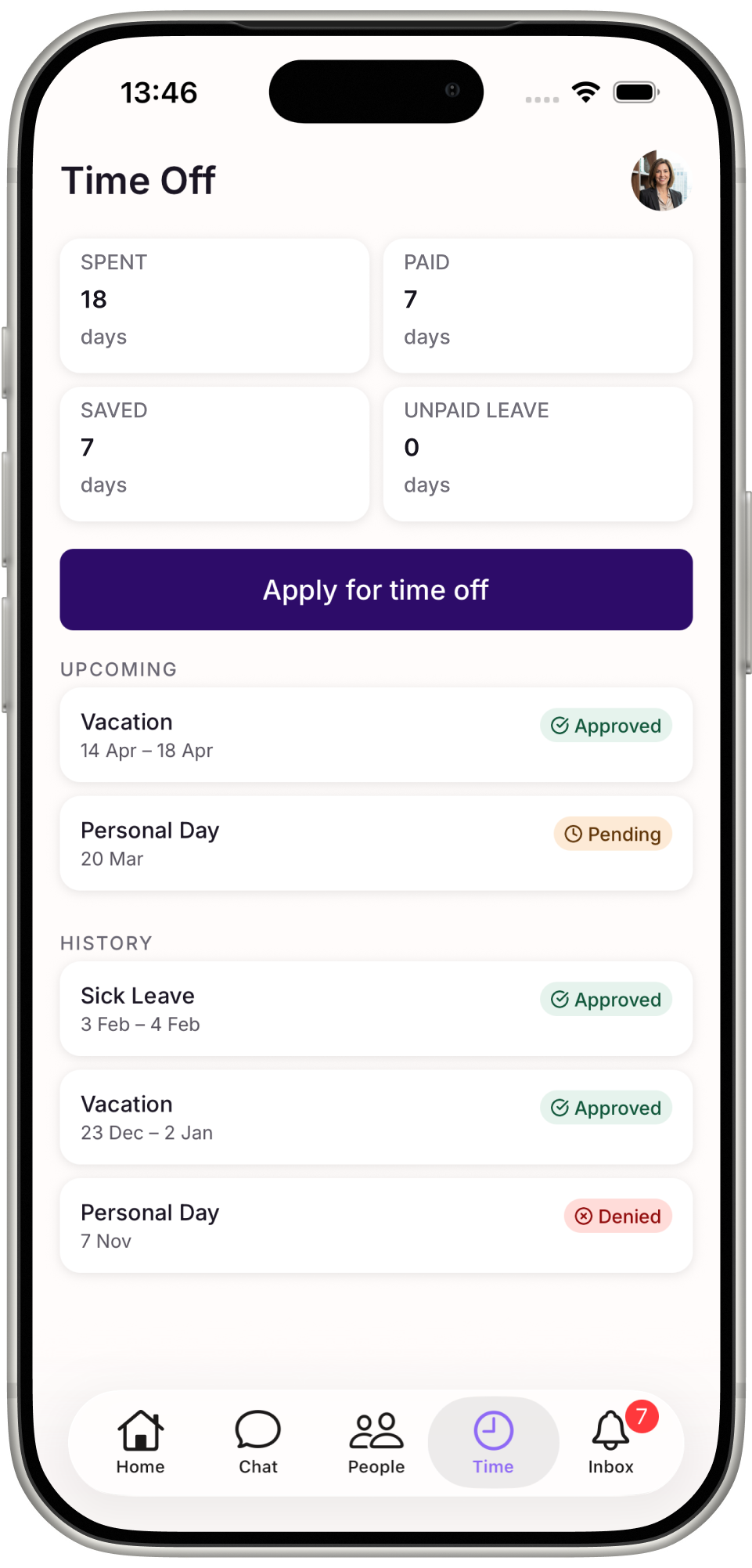
In the app, employees and managers can:
Check and request time off
Review and approve time-off requests
See pending tasks
Ask Sia questions and get answers based on available HR information and policies
Find colleague information
How do employees and managers get started?
Getting started is simple:
Download Simployer One from the Apple App Store or Google Play.
Sign in using the same account used for Simployer One.
You’re ready to go.
Introduce the app to your organization
Promote the app to employees and managers to help them get started.
Use the attached ready-made posters in emails, on your intranet, or in common areas to let employees and managers know about the app and how to download it.
Was this article helpful?
That’s Great!
Thank you for your feedback
Sorry! We couldn't be helpful
Thank you for your feedback
Feedback sent
We appreciate your effort and will try to fix the article