Multi-Factor Authentication (MFA) Flow
Phone-based two-factor authentication using SMS verification codes via Twilio Verify API.
Enabled MFA For A Tenant:
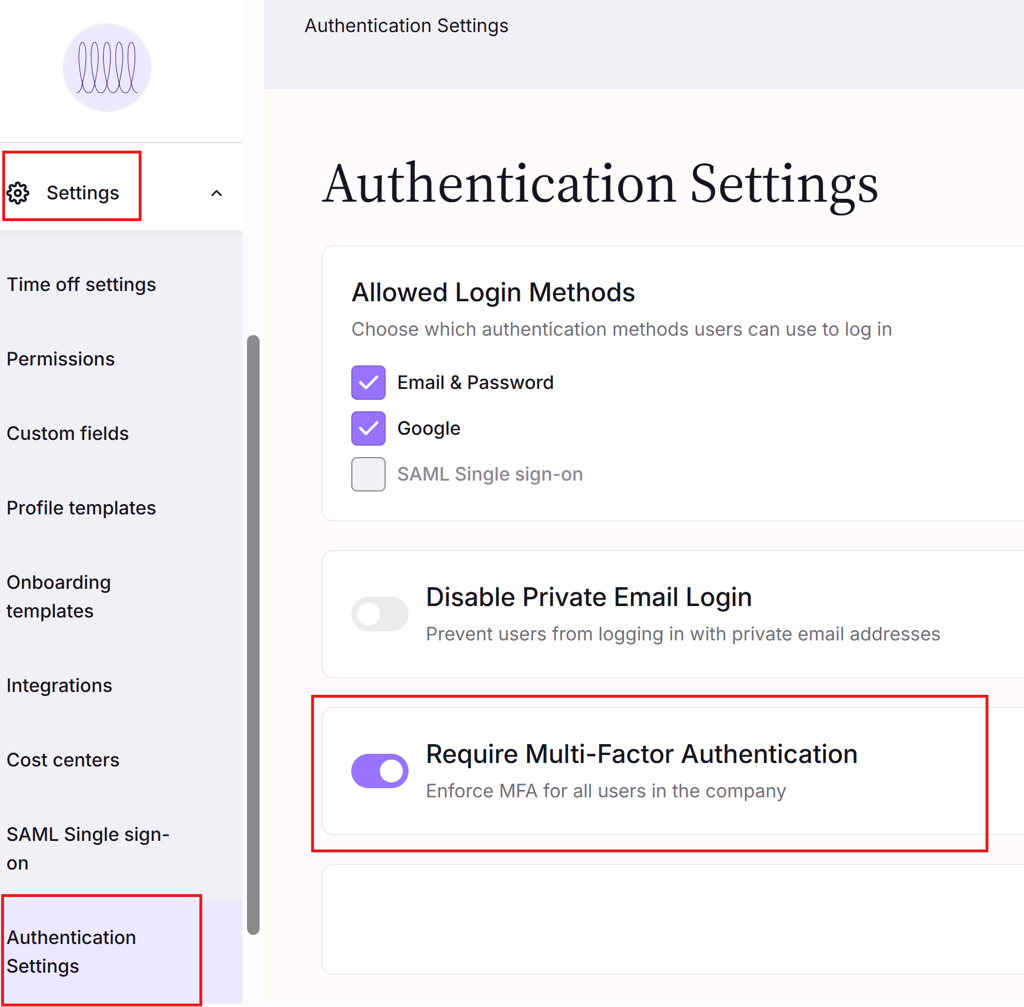
Login to the Simployer One as an owner.
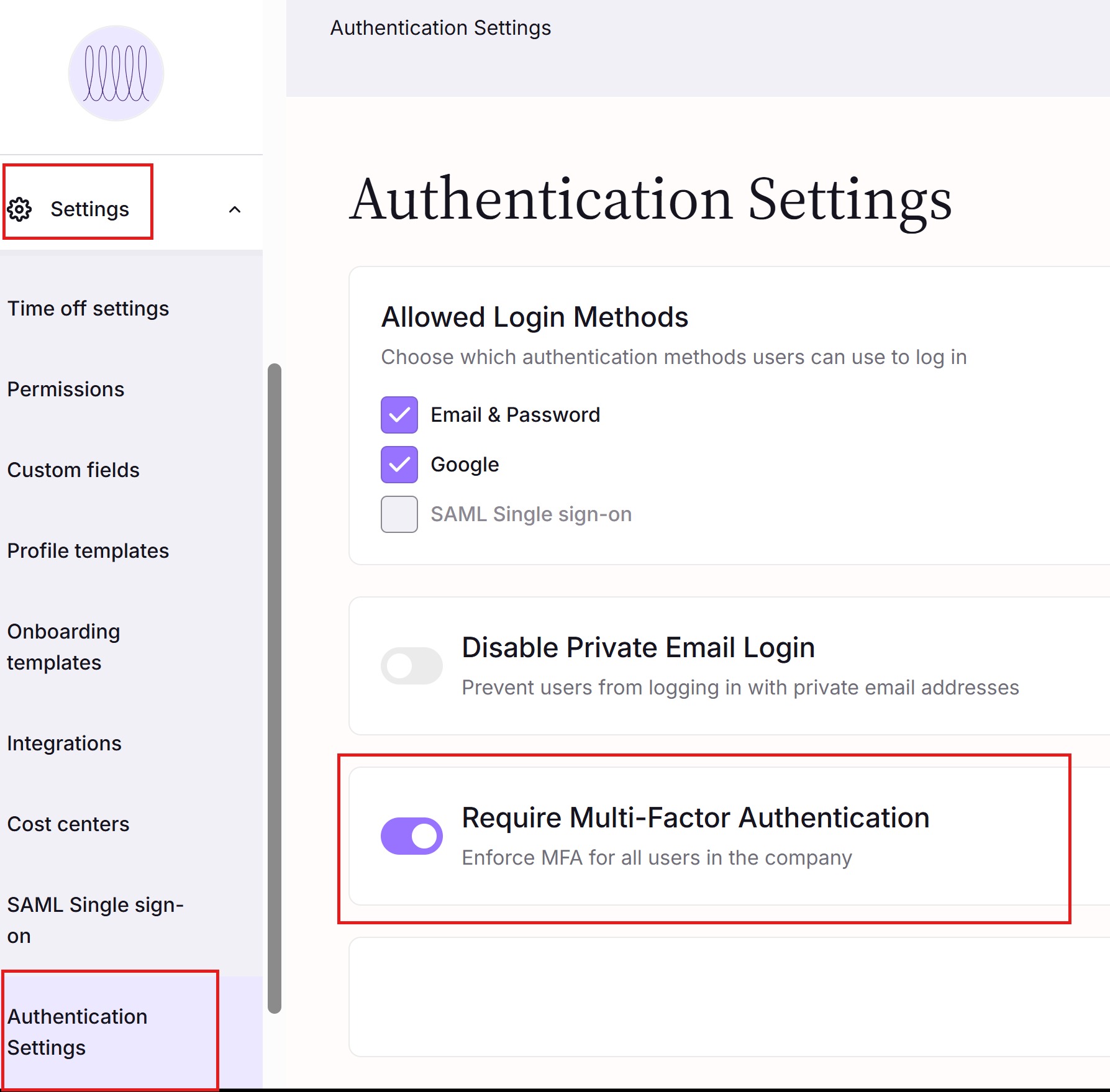
Go to the Setting => Authentication Settings Page (Please
Enable the Multi-Factor Authentication for all users on this page.
User login with MFA enabled
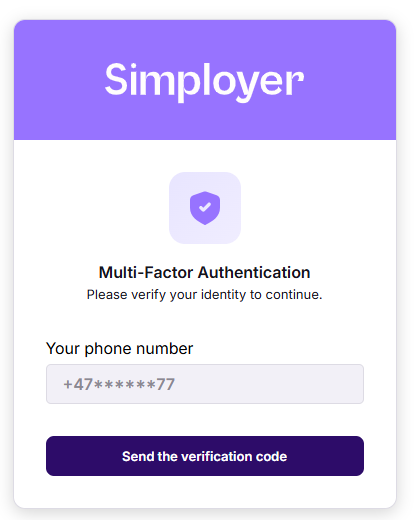
After entering username and password, the user will see this dialog:
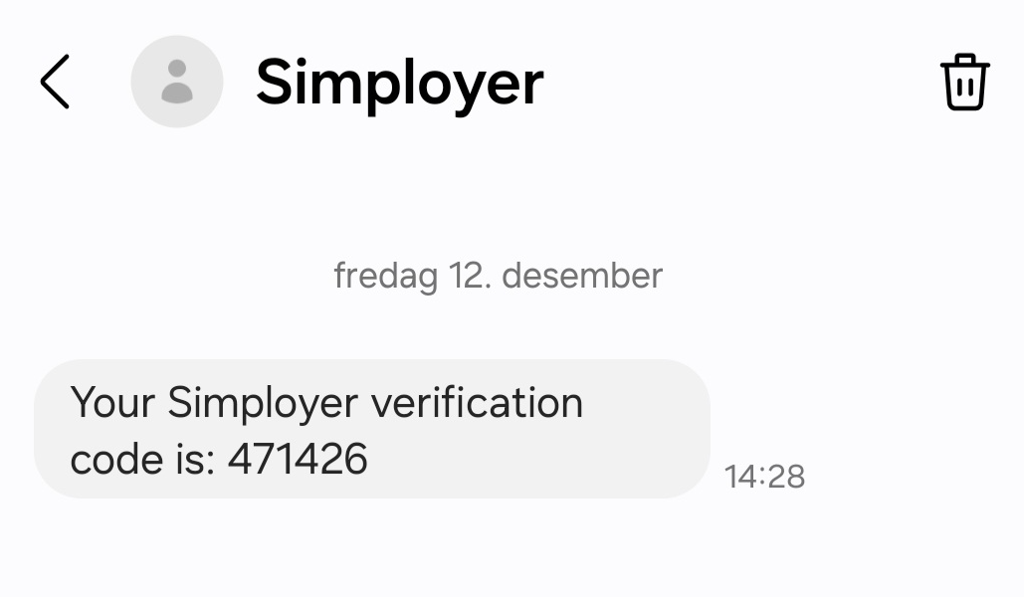
The user received an SMS like this:
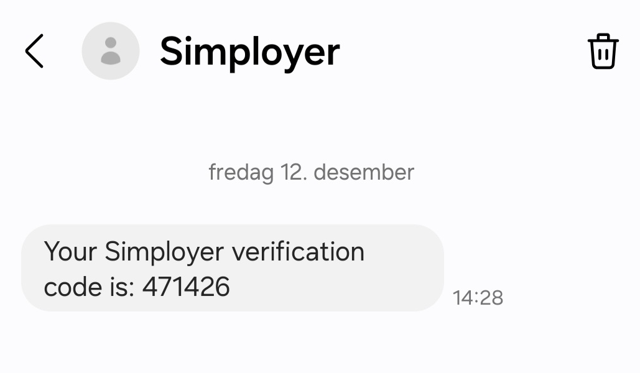
Then enters code:
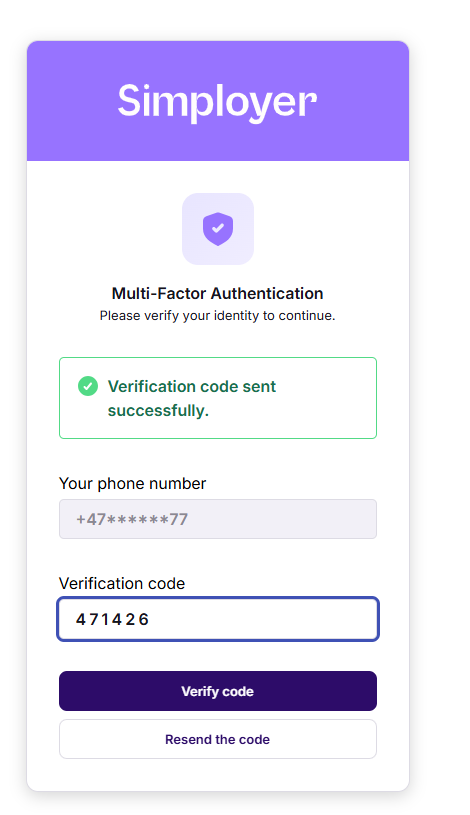
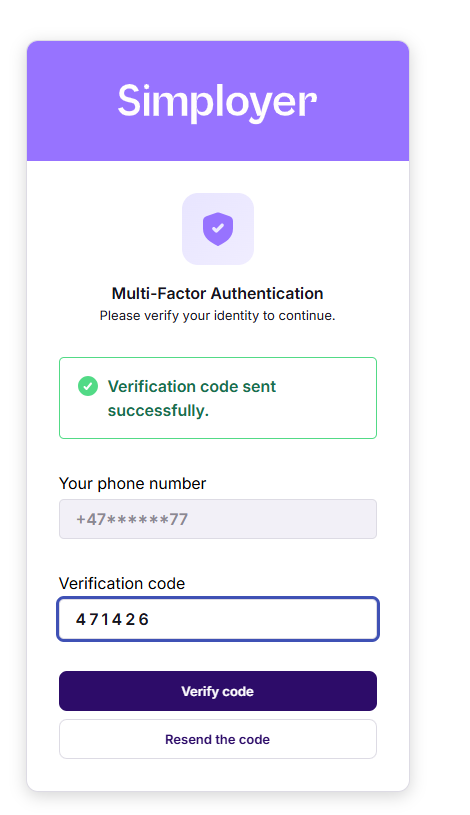
And login process is completed ?
Var denne artikkelen nyttig?
Så bra!
Takk for din tilbakemelding
Beklager at vi ikke kunne være mer til hjelp
Takk for din tilbakemelding
Tilbakemeldingen er sendt inn
Vi setter pris på tilbakemeldingen din og vil prøve å rette på artikkelen