Multi-Factor Authentication (MFA)Multi-Factor Authentication (MFA) Flow
Phone-based two-factor authentication using SMS verification codes via Twilio Verify API.
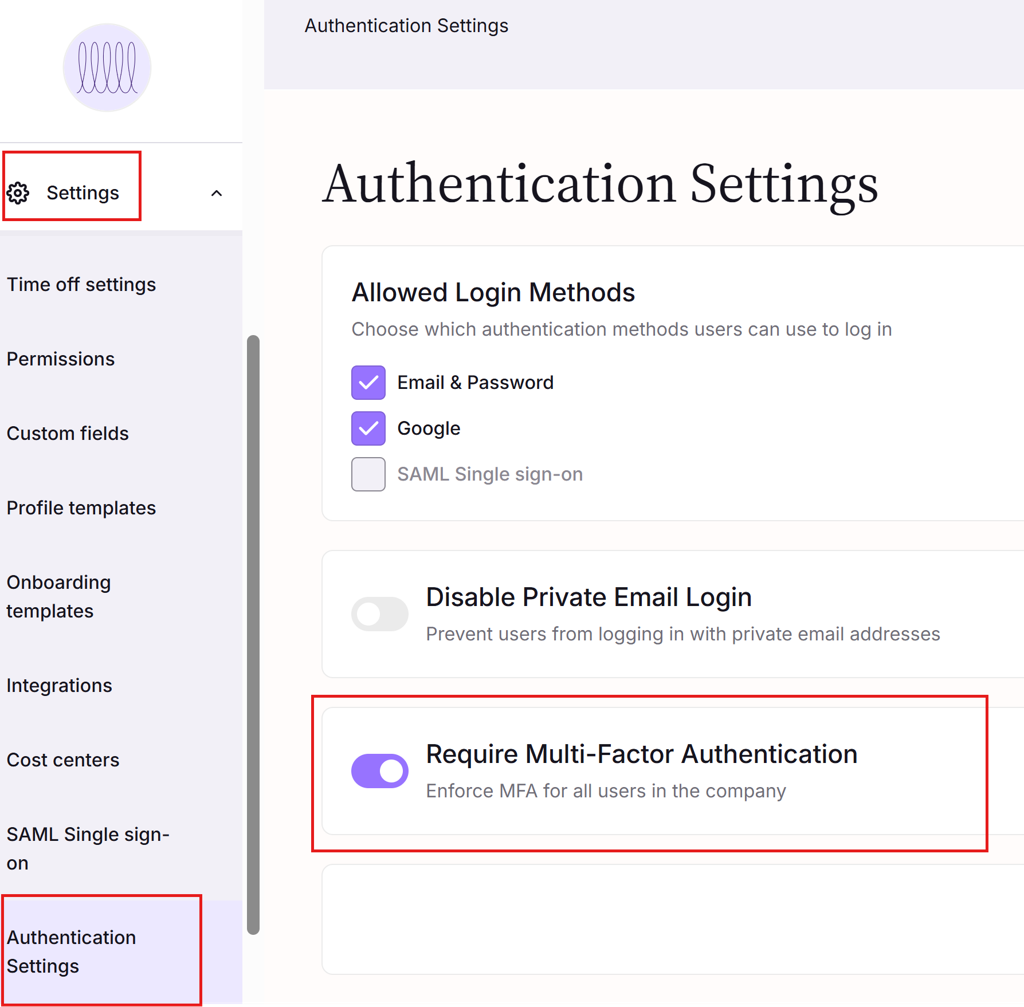
Enabled MFA For A Tenant:
Login to the Simployer One as an owner.
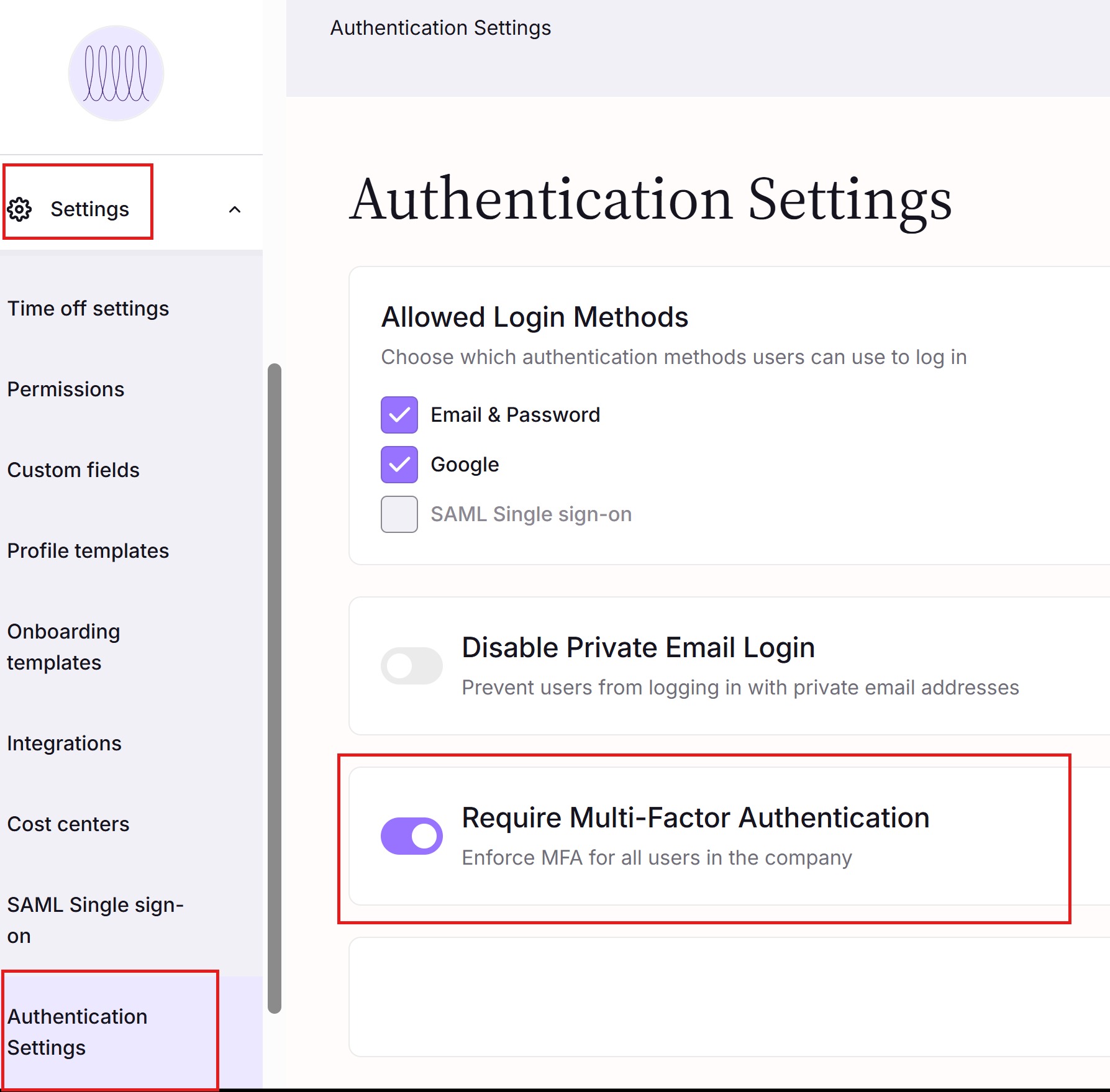
Go to the Setting => Authentication Settings Page (Please
Enable the Multi-Factor Authentication for all users on this page.
User login with MFA enabled
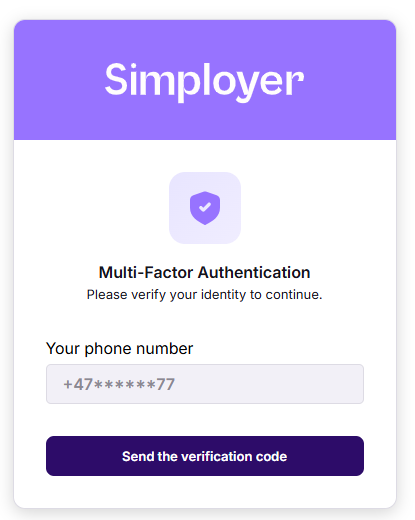
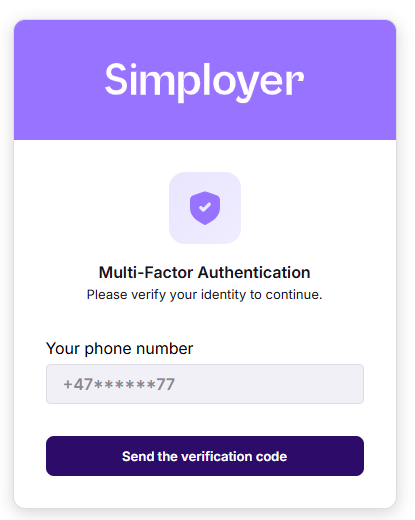
After entering username and password, the user will see this dialog:
The user received an SMS like this:
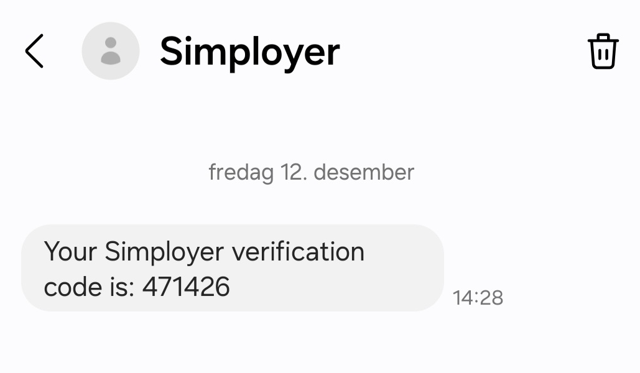
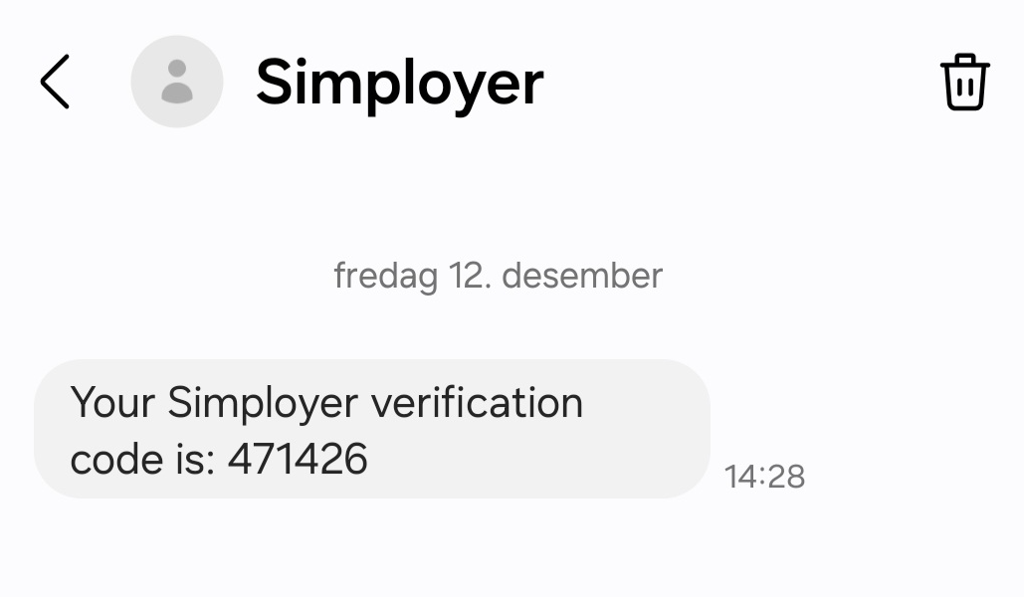
Then enters code:
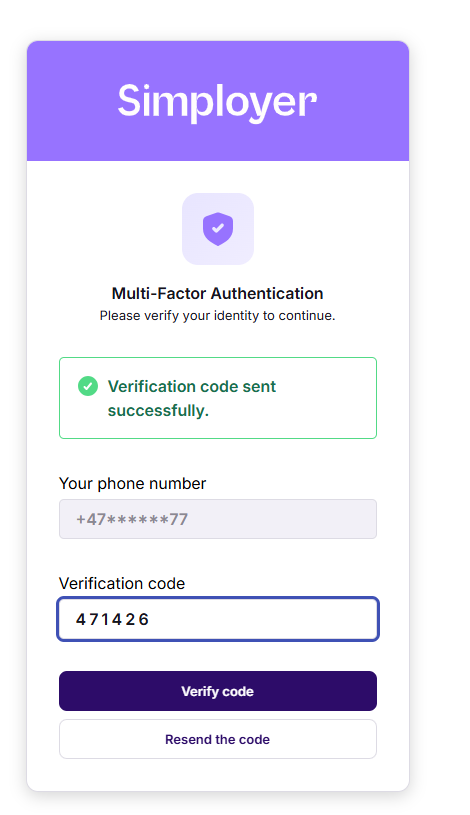
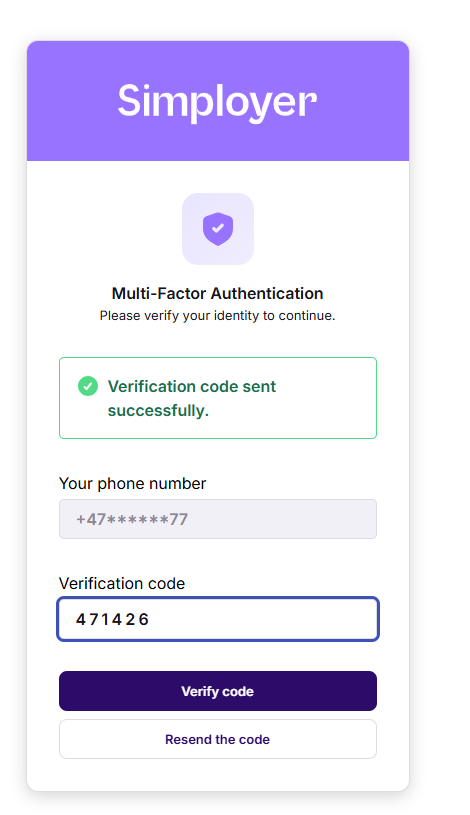
And login process is completed ?
Var artikeln till hjälp?
Toppen!
Tack för din feedback
Vi beklagar att det inte var till hjälp
Tack för din feedback
Feddback skickat
Vi uppskattar din feedback och uppdaterar artikeln vid behov