Processes — Suggest onboarding / offboarding from Personnel
When you create a person's first position in Personnel, or set an end date and termination cause on their last active position, a small dialog now pops up suggesting that the matching Onboarding or Offboarding process can be started for that person.
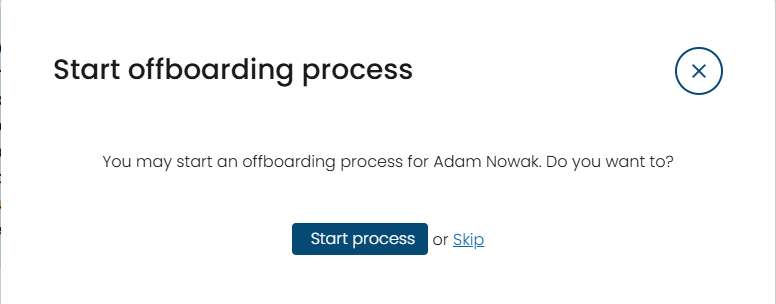
Picking Start process takes you straight into Processes with the standard "Start process" popup already pre-filled: target person set to the employee you were just editing, and start date set to the new position's start date (onboarding) or the last position's end date (offboarding).
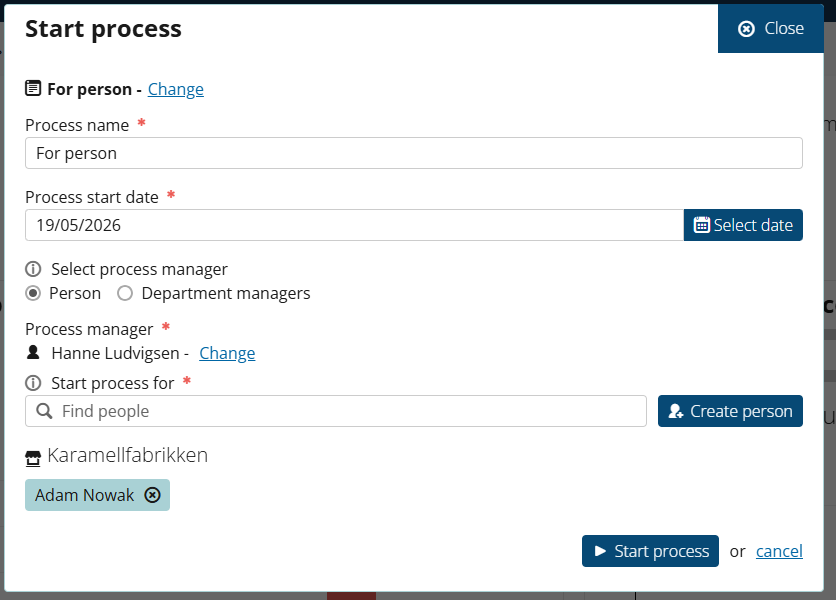
You're free to change the template or any field before confirming. Skip simply closes the dialog. The suggestion only appears for users who already have a role allowed to start processes (Process Administrator/Coordinator/Starter, Department Manager, Immediate Supervisor or System User) and only when the Processes module is enabled.
eSign — Who signed it, right in the email
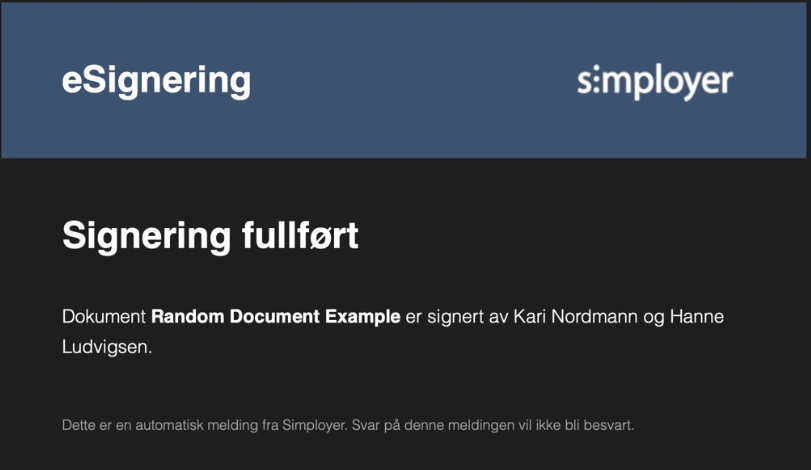
The "document fully signed" email used to mention only the document name. It now also lists who actually signed the document, so recipients no longer need to open the document to find out. Works in all three languages and for both single and multiple signees. Applies to e-signing on documents (contracts are a separate flow and not affected).
Personnel — Filtering of positions in fixed registers
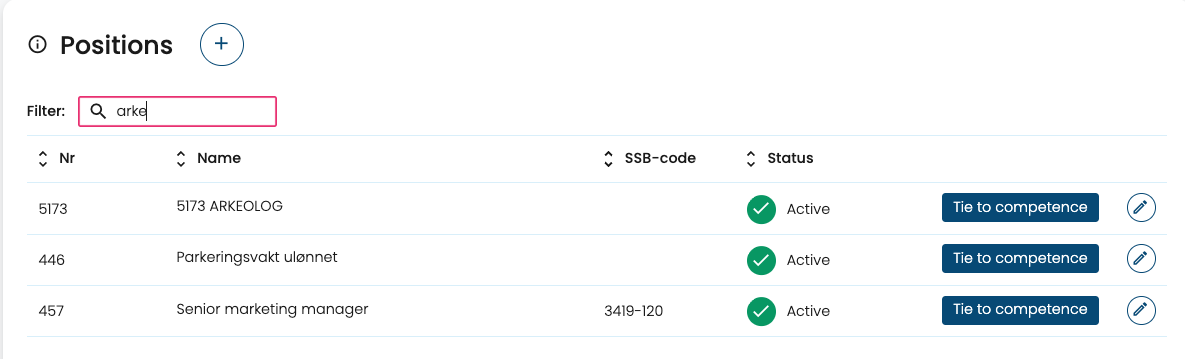
Fixed registers in Personnel now support filtering of positions, making it much easier to narrow down long lists when you're looking for a specific subset. Open any fixed-register page to try it out.
Deviation — Three small fixes for case handlers
A bundle of three quality-of-life improvements based on direct customer feedback from case handlers:
- "All cases" really means all. Under Active cases, the "All cases" view used to silently reset to the last 3 months every time you opened and returned from a case. It now stays on All, so case handlers don't have to keep re-applying the filter.
- Better search. Search in cases is no longer limited to case number, title and date — you can now search across more of the case content, so you don't have to export to Excel just to find a keyword.
- Jump to the next case. When you're inside a case under "Your cases", you can now navigate directly to the next case without going back to the overview and re-applying the filter. (The same navigation that already existed under "All active cases".)
Sick leave module - individual access
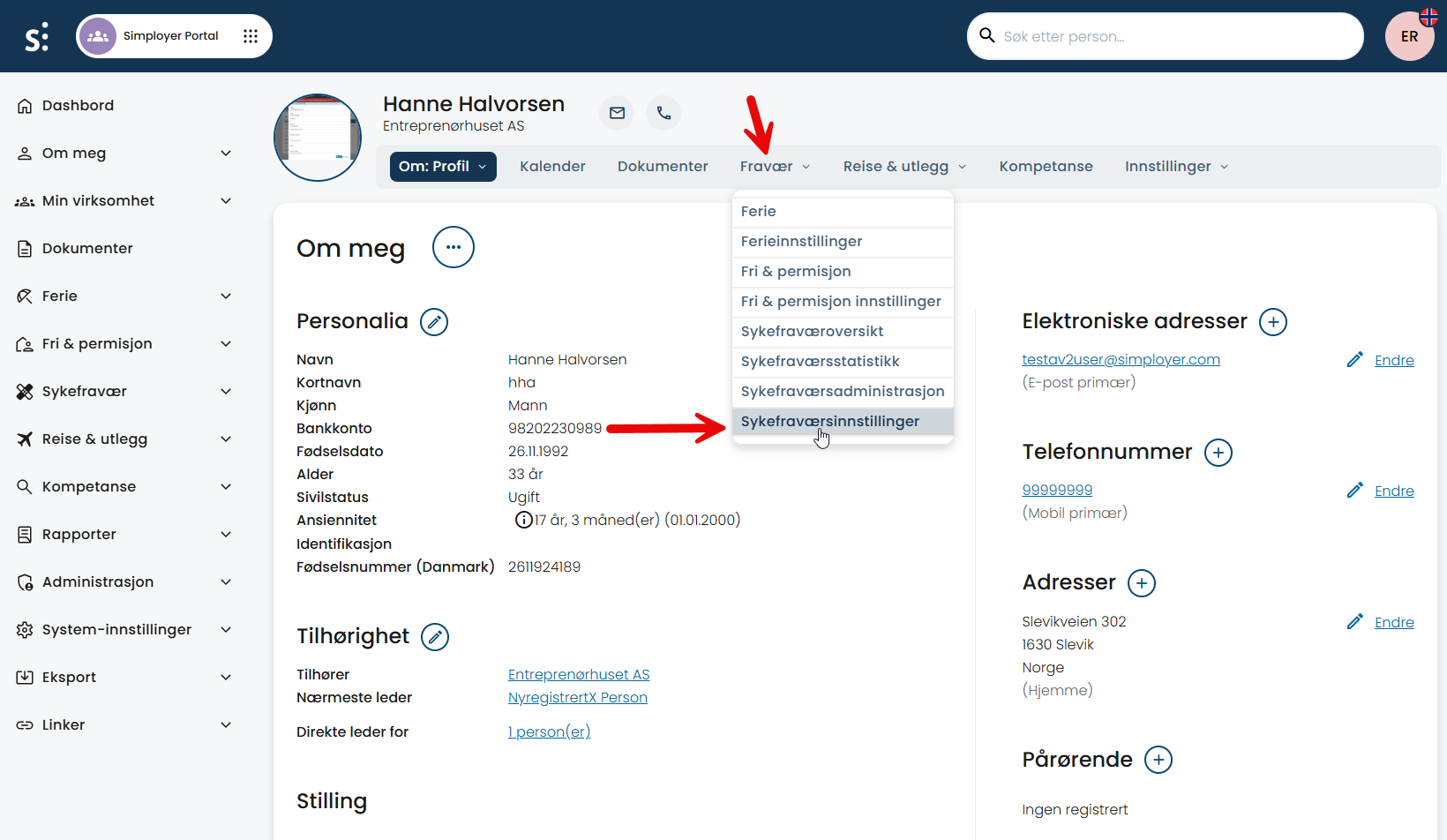
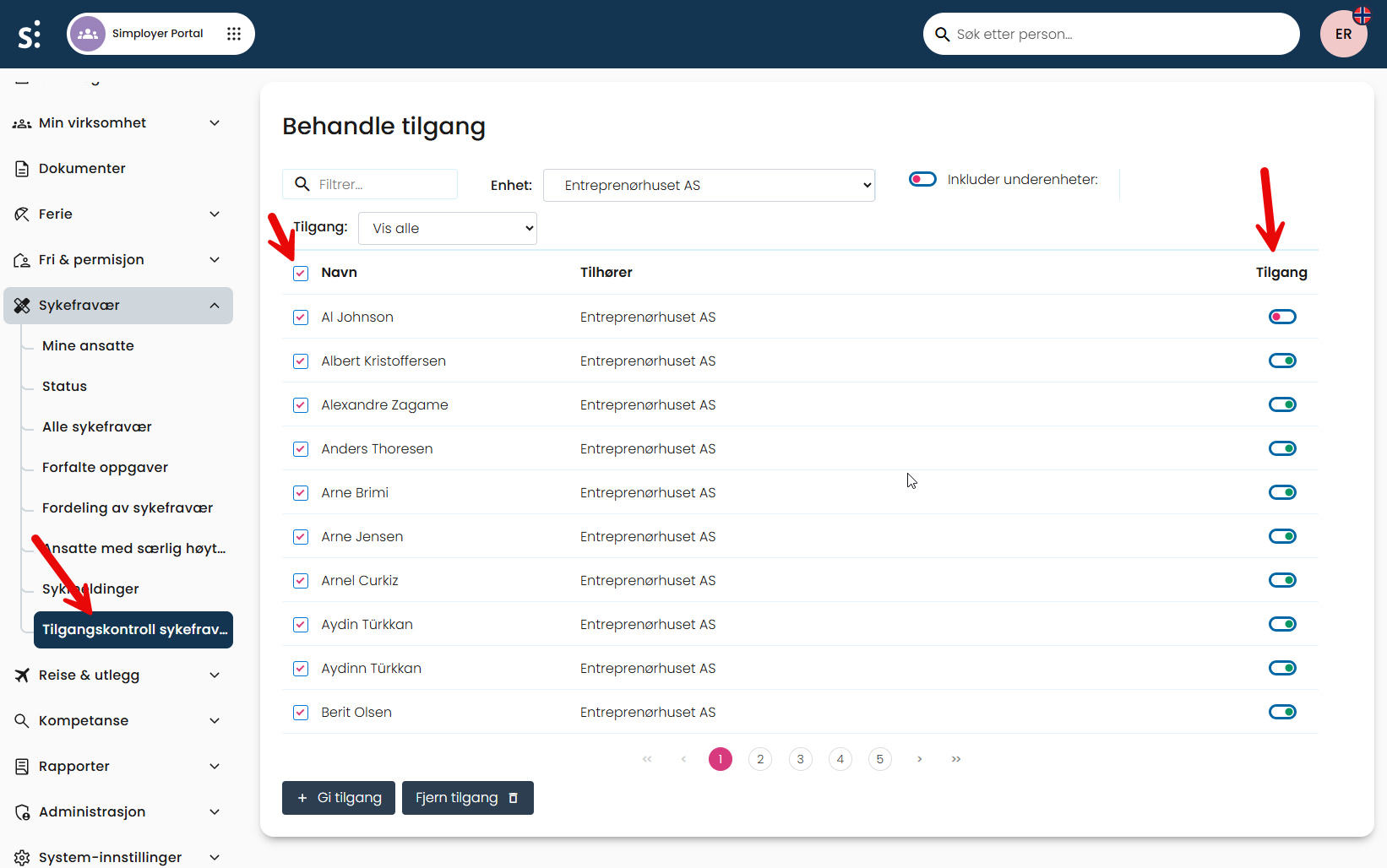
We have for some time had the possibility to grant and revoke access to the vacation and leave modules on an individual basis. Now you can do this in the sick leave module as well.
- Grant or revoke access to the module for an employee on the person’s profile page.
- Grant and revoke access for many employees at once in the new routine found in the Sick leave menu.
Was this article helpful?
That’s Great!
Thank you for your feedback
Sorry! We couldn't be helpful
Thank you for your feedback
Feedback sent
We appreciate your effort and will try to fix the article