To access the administration area, open a handbook and click the three dots next to the title on the front page.
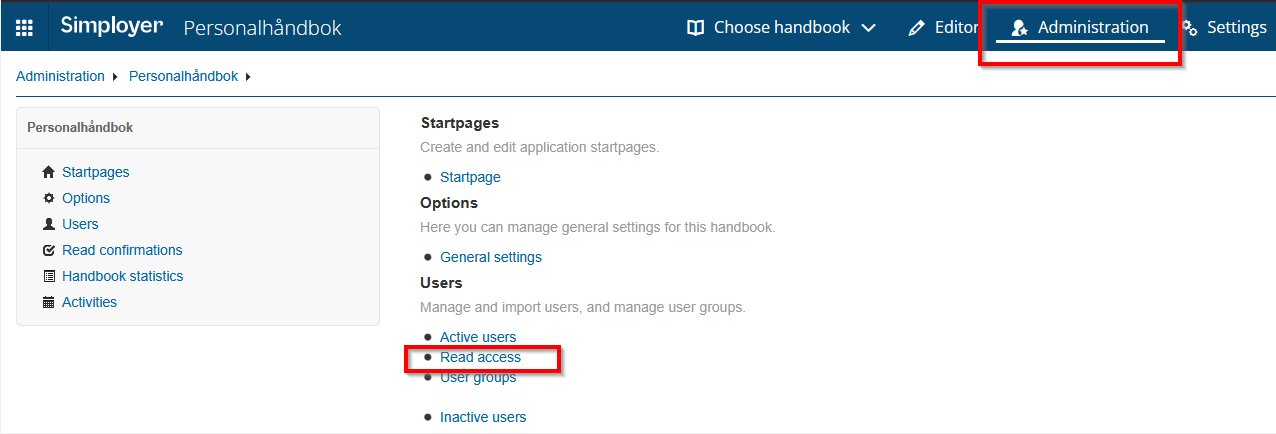
Once you are in the administration area, click «Administration» in the top menu bar. Under the «Users» heading, select «Reader access».
To create a new reader link, click «Create» in the upper-right corner.
Here, you can choose whether the link should provide reader access to multiple handbooks. To see which handbooks a reader link gives access to, click the name of the link.
If you select «Send link by email», the reader link will be sent to the administrator currently logged in — in other words, yourself.
Was this article helpful?
That’s Great!
Thank you for your feedback
Sorry! We couldn't be helpful
Thank you for your feedback
Feedback sent
We appreciate your effort and will try to fix the article